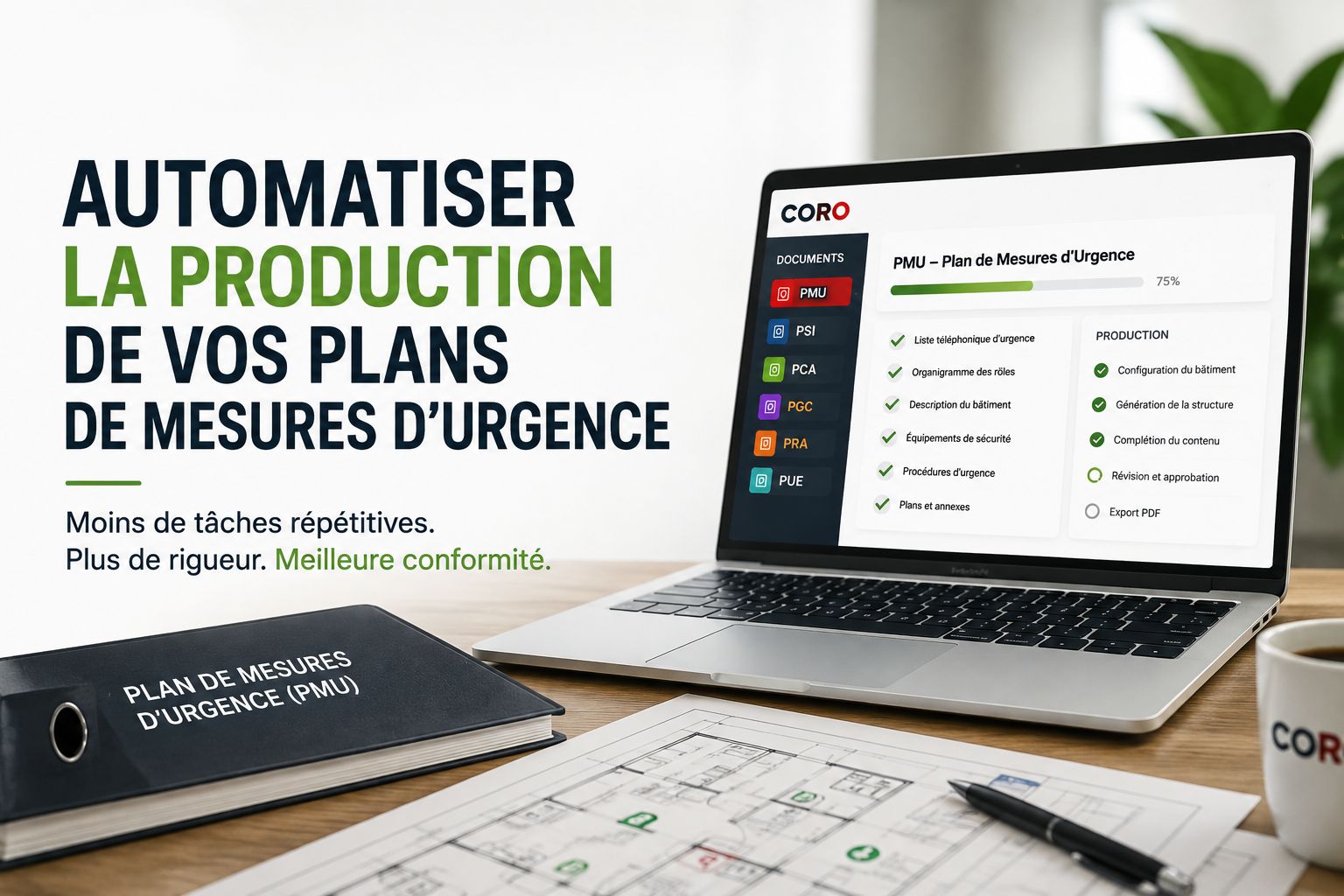
Producing an Emergency Response Plan is not simply a matter of filling out a template or reusing the document from another building. Every site has its own characteristics, equipment, hazards, occupants, responsibilities and operational realities. Yet a significant portion of the work involved in producing an ERP remains repetitive and highly structured. That is precisely where automation can change the way professionals work.
Why Does Producing an Emergency Response Plan Take So Much Time?
An Emergency Response Plan (ERP) brings together a significant amount of information from different sources. The building must be documented, safety equipment identified, roles and responsibilities defined, applicable procedures selected, emergency contacts incorporated, plans and appendices organized, and the entire document reviewed before delivery.
In a traditional production process, much of this work may still rely on Word files, local templates, shared folders and copy-and-paste operations.
That approach can be manageable when an organization produces only a small number of documents. It becomes much harder to control when a team manages dozens or hundreds of buildings.
The issue is no longer limited to the time required to write the document. Teams must also maintain a consistent structure, manage versions, verify information, coordinate approvals and ensure that information from one mandate is not accidentally carried over into another.
Automating an ERP Does Not Mean Automating Expertise
There is an essential distinction between automating document production and automating professional judgment.
A platform can structure information, apply rules, generate sections, pre-select certain elements, detect missing data and assemble a final document. It should not, however, replace the professional analysis required for the mandate.
The principle is straightforward: technology should automate repetitive work so professionals can spend more time on the activities that truly require expertise — analyzing, validating, adapting, advising and making decisions.
This distinction is particularly important in emergency management. Two buildings that appear similar may differ substantially in their systems, occupants, available resources, internal organization or hazards.
The purpose of Emergency Response Plan software should therefore not be to automatically produce a generic document. It should provide a structured environment that helps professionals produce a site-specific document more efficiently.
Which Parts of ERP Production Can Be Automated?
Several stages of the document-production lifecycle are particularly well suited to automation.
Document Structure
Required sections can be generated according to the building's characteristics rather than recreated manually for every mandate.
Procedure Selection
Relevant procedures can be pre-selected according to documented hazards, equipment and site characteristics.
Completeness Checks
The system can identify incomplete sections or missing information before a document is submitted for professional review.
Final Document Production
Validated information can be assembled automatically into a consistent structure and exported as a professional document.
1. Centralize Building Information
One of the first sources of inefficiency in document production is fragmented information.
Building characteristics may be stored in an inspection form, contact information in another file, technical plans in a shared folder and hazardous-material information in a separate database.
A specialized document-production platform can instead create a structured source of information for each building.
Occupancy type, safety equipment, identified hazards, hazardous materials and other relevant information can then be used directly when building the document.
This fundamentally changes the production logic: instead of starting by copying an old plan, the process starts with the actual building data.
2. Automatically Generate the Document Structure
Not every building requires exactly the same sections, procedures or appendices.
When production relies mainly on static templates, professionals must manually add, remove and adapt the required elements for every mandate.
A structured approach can instead generate a document framework using information that has already been collected.
CORO follows this logic: the building configuration — including occupancy type, safety equipment, identified hazards and hazardous materials — is used to automatically generate the document structure.
The professional then retains control over the content, adaptations and final validation.
3. Use an Integrated Emergency Procedure Library
Emergency procedures make up an important part of an ERP. Fire, medical emergencies, power failures, gas leaks, hazardous-material spills and other scenarios may require different actions depending on the site.
A structured procedure library eliminates the need to repeatedly search previous documents for the latest version of a procedure.
CORO currently integrates 43 codified emergency procedures, including standard procedures and procedures intended for certain industrial environments.
Each procedure follows a defined structure, and relevant procedures can be pre-selected according to the building configuration.
Pre-selection does not mean automatic approval. A professional must always determine whether a procedure actually applies to the site and adapt it whenever the situation requires it.
4. Work in Modules Instead of One Large Document
A traditional document can quickly become difficult to maintain when it contains dozens or hundreds of pages.
A modular approach makes it possible to manage individual sets of information separately:
- building description;
- emergency contact list;
- emergency-role organizational chart;
- safety equipment;
- technical plans;
- site photographs;
- hazardous materials;
- emergency procedures;
- appendices and supplementary information.
This method simplifies data entry, review and information control while reducing the risk of accidentally altering unrelated parts of the document.
5. Automate Quality Control Without Eliminating Human Review
Producing the document is only one part of the process. Before delivery, its completeness and consistency must also be reviewed.
This is where automated quality-control mechanisms can be particularly useful.
A platform can flag incomplete sections, identify certain missing information and prevent a document from being treated as complete while important fields remain unfinished.
CORO also includes a workflow that allows a document to be submitted to a colleague for review. The reviewer can examine the content, add structured observations and approve or reject the document.
That combination is important: automated checks for completeness and human review for relevance, accuracy and professional quality.
6. Generate a Consistent Professional PDF
Final formatting can also represent a significant amount of work when performed manually.
Numbering, headings, sections, tables, building information, procedures and other document components must remain consistent from one mandate to the next.
When the underlying data is already structured in the platform, the final document can be assembled from validated information rather than built manually page by page.
The benefit is not limited to faster production. It also supports consistent document quality across an organization's entire portfolio of mandates.
From an ERP Generator to Document Lifecycle Management
The expression “ERP generator” describes only one part of the actual business need.
In practice, an organization does not simply create a document once. It must also modify it, review it, approve it, maintain it and eventually replace it with a new version.
The real value of specialized software therefore lies less in generating a file and more in managing the entire compliance-document lifecycle.
-
Configure the building
Document site characteristics, systems, hazards and other required information. -
Generate the structure
Build the document framework according to the realities of the site. -
Complete and adapt
Add professional analysis, mandate-specific information and procedure adaptations. -
Check and review
Verify completeness and submit the document for professional review. -
Approve and produce
Validate the content and generate the final document. -
Keep it current
Update the document as the building, hazards or organization evolve.
This Approach Extends Beyond Emergency Response Plans
The same challenges of structuring, reviewing and maintaining information apply to several families of operational compliance documents.
CORO is designed to centralize the production and management of:
- Emergency Response Plans (ERP) ;
- Fire Safety Plans (FSP) ;
- Business Continuity Plans (BCP) ;
- Crisis Management Plans (CMP) ;
- Disaster Recovery Plans (DRP) ;
- Environmental Emergency Plans (EEP) .
The underlying objective remains the same: structure information and automate repetitive operations while keeping professionals at the center of document production and validation.
What Are the Benefits of Specialized Emergency Planning Software?
For teams that regularly produce emergency-management or compliance documents, the potential benefits go well beyond faster writing.
Less Repetitive Work
Reduce manual copying, formatting and reconstruction of the same document structures from one mandate to another.
Greater Consistency
Apply a common document structure across mandates while still allowing site-specific adaptations.
Better Quality Control
Identify incomplete sections and integrate review and approval directly into the production process.
More Time for Expertise
Redirect time from repetitive administrative work toward risk analysis, professional recommendations and client support.
The Real Goal: Produce Better Documents, Not Just Faster Ones
Document automation is often presented primarily as a way to save time. That is certainly one of its benefits, but it should not be the only objective.
In emergency management, the goal should be to create a production process that is more rigorous, more repeatable and easier to control.
Good software does not replace the professional. It reduces the amount of effort spent on repetitive operations so that human expertise can be concentrated where it provides the greatest value.
That is the philosophy behind document production and compliance management in CORO : use technology to structure and accelerate the work while leaving professionals in control of their analysis, adaptations, validation and final delivery.
Discover Document Production with CORO
See how CORO brings building configuration, ERP and compliance-plan production, emergency procedures, review, approval and final document generation together in one environment.
Request a Demo